• Home
  • About Us
    • Concrete Blog
    • Military Discount
    • Recent Concrete Jobs
    • Northern Colorado Concrete Services
  • Concrete Services
    • Commercial Services
      • Heavy Machinery & Utility Pads
    • Stamped Concrete
      • Concrete Colors
      • Release Colors
      • Stamped Color Combinations
      • Stamped Patterns
      • Stamped Concrete Photos
    • Driveways
    • Epoxy Flooring
    • Hot Tub Pads
    • Paths / Sidewalks
    • Fire Pits
    • Outdoor Kitchens
      • Lion Premium Grills
    • Turf Installations
    • Landscaping Services
    • Concrete Sealing & Rejuvenation
    • Concrete Removal
    • Christmas Light Hanging
  • Get Estimate
  • Contact Us

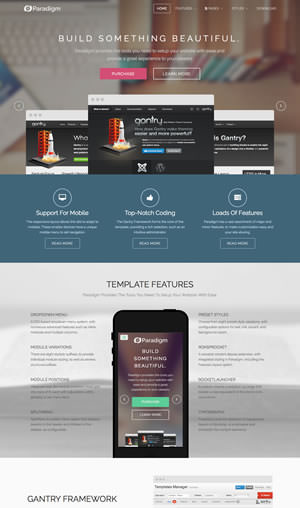
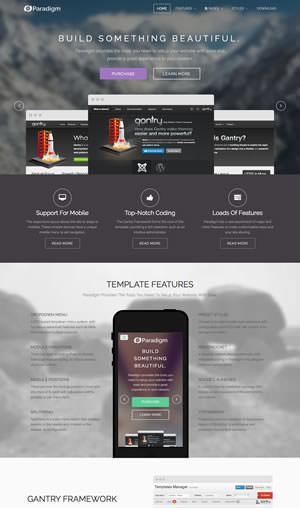
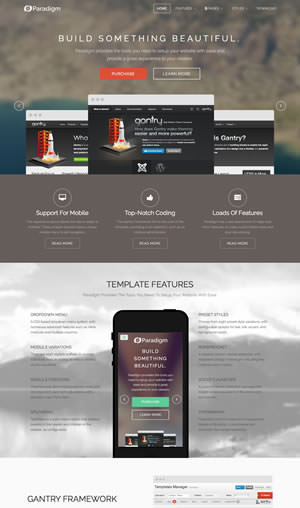
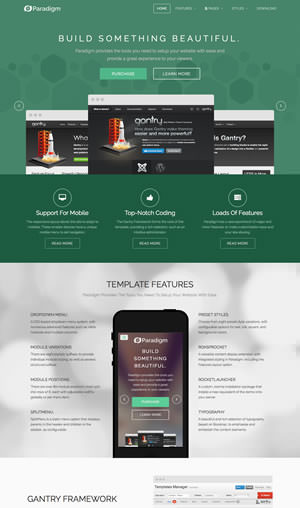
8 Preset Styles Live Preview

View all styles live by appending ?presets=preset# or &presets=preset# to the end of your URL such as http://yoursite.com/index.php?presets=preset4.

In sequential order, Preset 1 - Preset 8. Please click on the image to load a live example of each style variation.
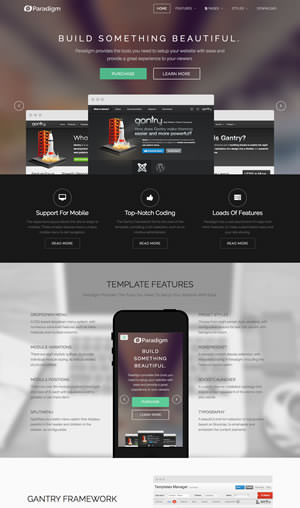
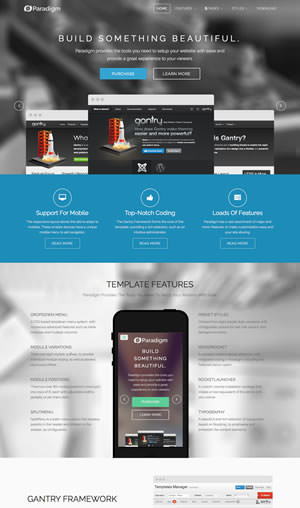
Preset 1
Preset 2
Preset 3
Preset 4
Preset 5
Preset 6
Preset 7
Preset 8

Custom Presets

Gantry provides the ability for you to create your own custom presets based on any parameter in the template administrator.

  • Go to Extensions → Template Manager → rt_paradigm
  • Click "Presets"
  • Configure the Settings
  • Click Save → Save Preset
  • Follow the Preset Saver procedure

You can edit the prebuilt presets in the gantry.config.php file, or use the User Interface method outlined above.

When you create a new custom preset, there is a default image used in the preset chooser to represent this. You can create your own thumbnail for each style by creating a png file that is the 'short' name of the preset with the dimensions of 180px x 100px.

Gantry Framework: Custom Presets


© 2023 Denver Concrete Company
Twitter Google + Instagram
Back to Top